Anime Dice rebirth guide
See the first three Rebirth requirements, compare Cash and Luck gains, and calculate whether your next reset fits your session.
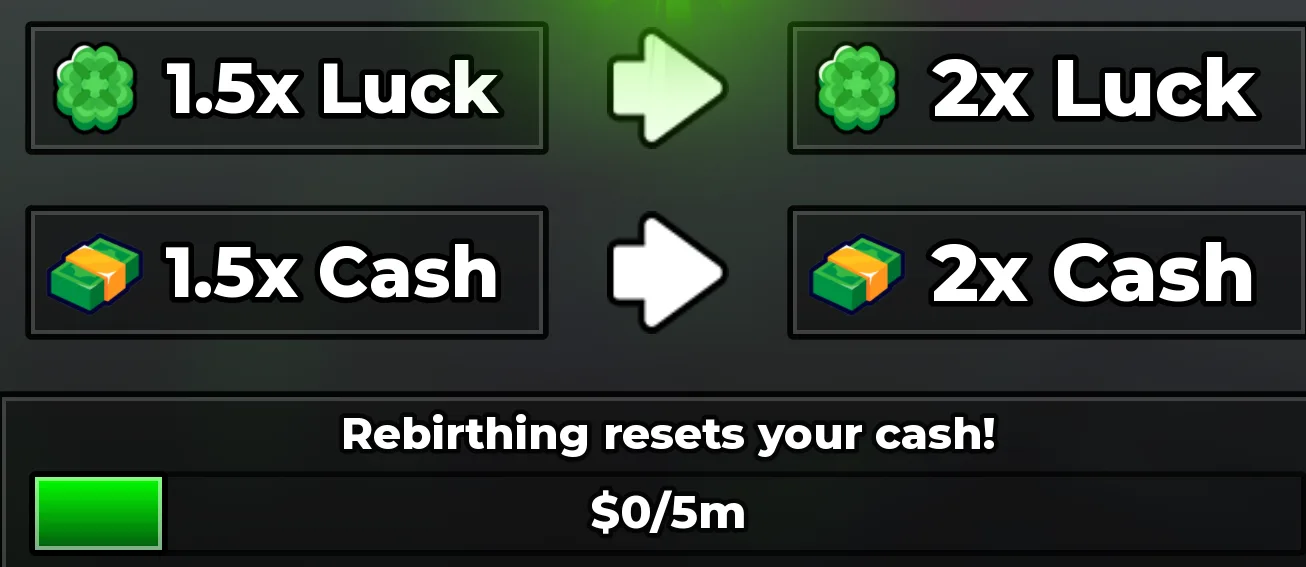
The first Rebirth needs $50K and raises Cash and Luck from 1× to 1.5×. The second needs $5M for 1.5× → 2×. The third is $500M for 2× → 2.5×. Rebirth resets your cash.
Rebirth requirements and multipliers
Open the Rebirth panel on the left of the game screen. Compare your cash with the stage requirement and read the reset warning before confirming. Both Luck and Cash use the multiplier steps below.
| Stage | Cash requirement | Luck and Cash | Cash multiplier gain |
|---|---|---|---|
| Rebirth 1 | $50K | 1× → 1.5× | 50% |
| Rebirth 2 | $5M | 1.5× → 2× | 33.3% |
| Rebirth 3 | $500M | 2× → 2.5× | 25% |
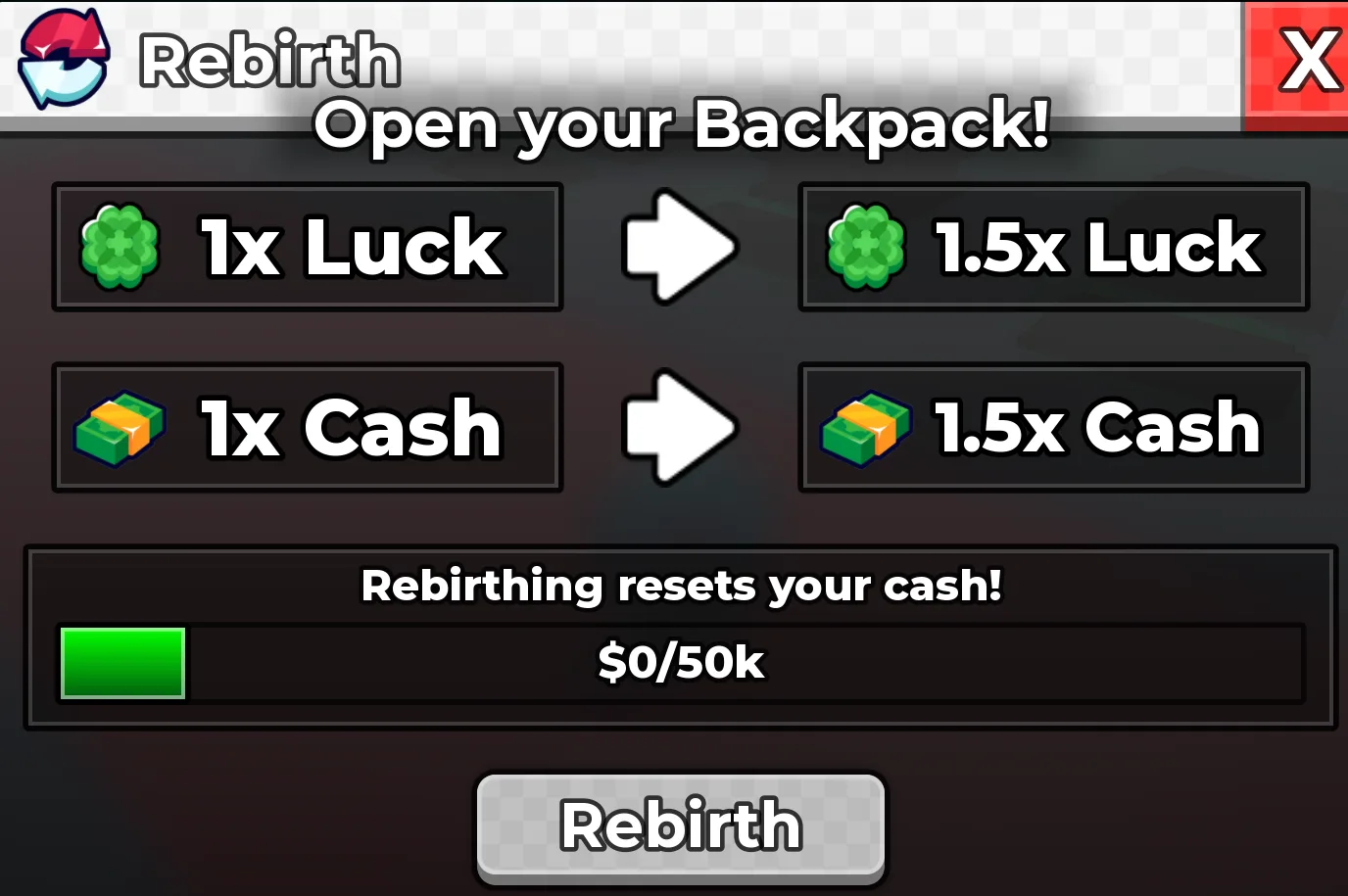
The second Rebirth costs $5M
The next step changes both displayed multipliers from 1.5× to 2×. That is a one-third increase relative to the prior multiplier. It resets your cash again, so enter the balance you will lose when estimating recovery.
Should you rebirth now?
Think in two time frames. First, how long would it take to restore the cash you lose? Second, how long until the extra income overtakes the cash you could have kept by waiting? Those are different questions. A fast refill is not automatically a fast break-even.
For an illustrative $500M balance, $1M per second of current income, and a 2× to 2.5× multiplier change, a constant-income model gives $1.25M per second after rebirth. Restoring $500M takes about 6 minutes 40 seconds. Catching the no-rebirth cash path takes about 33 minutes 20 seconds. New characters, boosts, upgrades, and offline limits can change both estimates.
Before pressing Rebirth
The footage shows cash falling to zero while the player continues with their base. It does not establish a complete reset policy for every later update, item, boost, or new system. Read any current reset warning as part of the purchase decision.
- Read the cash requirement and both multiplier values on your own panel.
- Keep enough cash to remain eligible after any final purchases.
- If you are buying upgrades first, inspect what the current reset preserves.
- Collect and equip the team you intend to use after the reset.
- Confirm only when you have time to rebuild toward your next goal.
What to do after the reset
Return to your base, collect earnings, and compare the next affordable dice with your most useful upgrade node. Continue rolling when a better character could improve an active slot. Keep the next cash target specific rather than treating every purchase as equally important.
If your cash seems to be rebuilding slowly, measure a short period of active income instead of guessing. Use that observed rate in the calculator and update it when your team changes.
See it in the game
Playing loads YouTube. Open on YouTube