Anime Dice collection tracker
Pick from 28 characters, mark owned units and wishlist goals, and back up your collection. Your checklist saves on this device.
Choose from the character roster

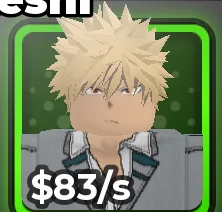
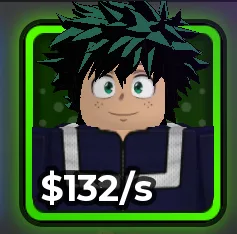
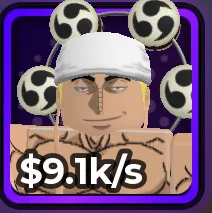
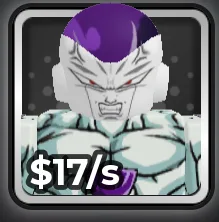
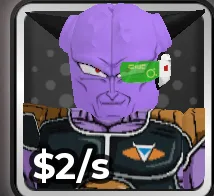
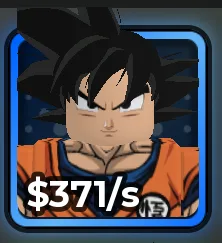



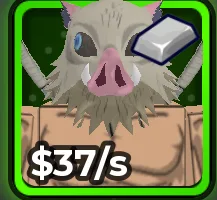
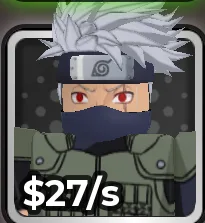
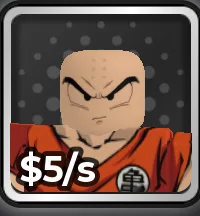
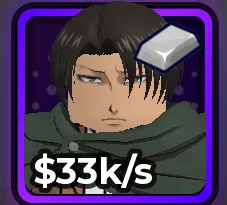
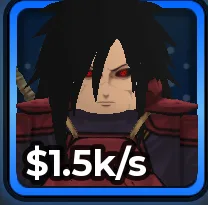
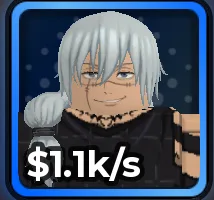
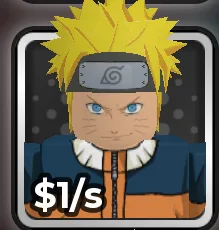
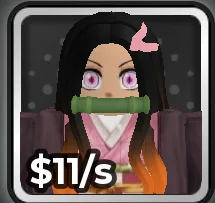
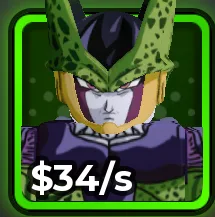
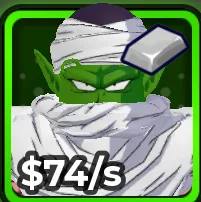
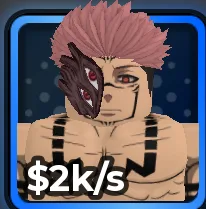
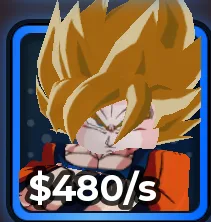
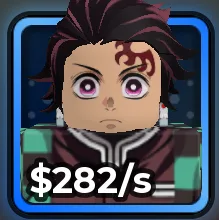
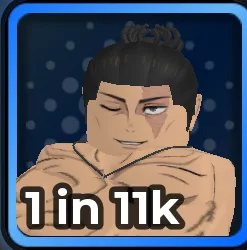
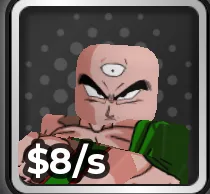
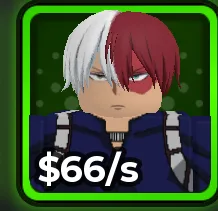

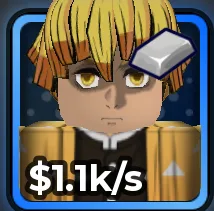
28 characters to choose from
Add a custom character or variant
A checklist built around your collection
Use the roster buttons to add a character without typing. For a variant or a new character, open Add a custom character and enter its exact displayed name. Choose its rarity when you have recorded it; otherwise leave the field at Not recorded. Mark a wishlist entry owned when you obtain it. Use the variant button to record a special copy.
The percentage is the share of entries on your own checklist marked owned. It is not the completion percentage of the full Anime Dice roster. You can track a short set of chase units or grow the list as you explore the game.
Back up before changing devices
Entries are stored in this browser’s local storage, not in a Roblox account or a server database. Export backup downloads a JSON file with your names, rarity choices, and collection states. Import merges valid new entries and updates matching names from the file.
Clearing browser data removes the saved list. Import a backup to restore it. Removing an entry shows an Undo action so a mistaken click does not immediately lose the record.
Compare a unit before replacing it
A checklist can remind you which characters matter to you, but it does not rank your active team. Inspect the unit’s income, traits, variants, and combat role in the game before selling or investing resources. Read the character comparison guide for a repeatable routine.
Sources
- Anime Dice on RobloxMore & More Games
- Anime Dice character directoryAwesWikis